Snowed Under Performance and comfort
The GPU is not the boss. The blizzard overlay, brightness, and freezes are.
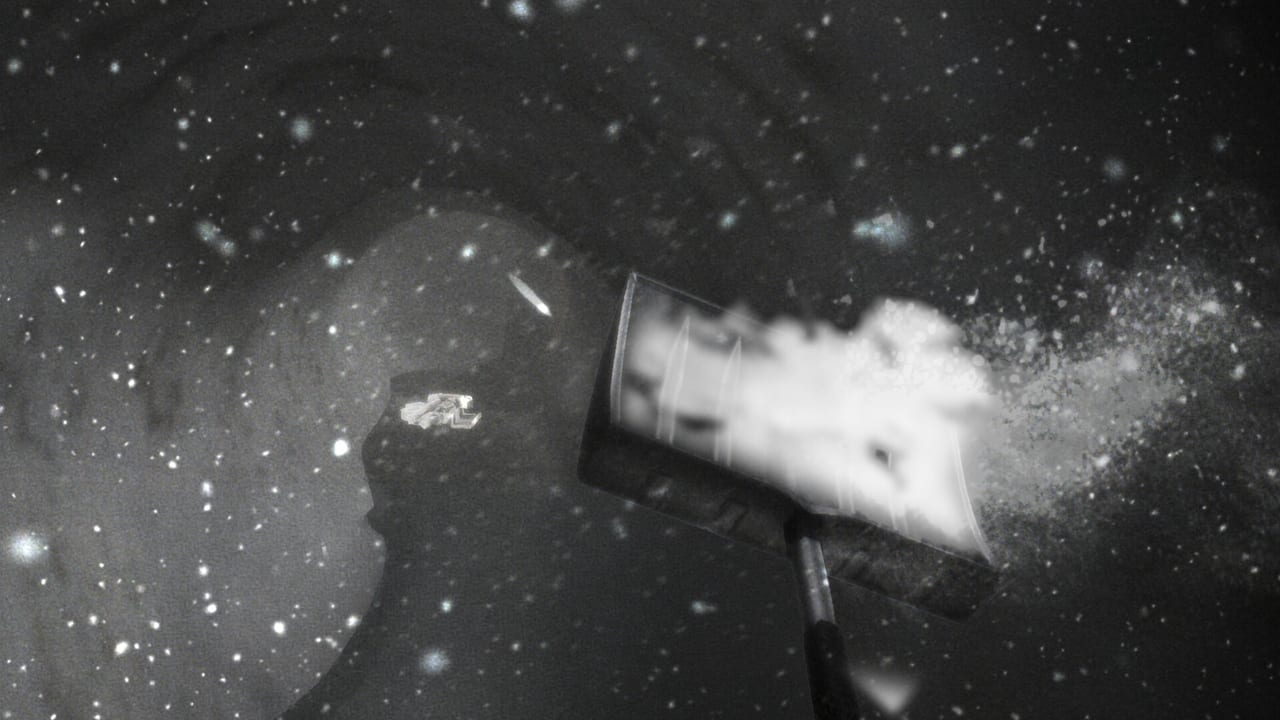
Chilla’s Art marketed Snowed Under as light. That claim is about frame rate relative to the studio’s heavier past, not about whether the screen feels good. Read specs on system requirements and the buy/skip argument on the review hub. This page is what to do when the game runs and still hurts.
Snow filter and lighting
English reviews called the snow overlay nauseating and among the worst winter filters they had used. Traditional Chinese reviews mentioned eye pain at night. Fluorescent lighting and flare showed up in complaints about the late open field.
Try, in order:
- Drop effects and brightness in the in-game settings.
- Limit outdoor time; use landmarks as indoor rest.
- Jump-peek instead of staring into flakes (Controls).
- Take breaks. This is a two-to-four-hour game. You are allowed to stop.
If frames are high and you still feel sick, you do not need a new graphics card. You need less overlay.
Freezes and saves
Korean and English notes: the game can freeze, sometimes with audio continuing. One player lost an hour after a Day 3 backpack touch with no save. Another described no comfortable autosave, comparing it to wishing for Stardew-like protection.
Mitigation:
- Save at base camp after every dump.
- Save before photo and bag prompts.
- Keep two rotating saves if Steam lets you.
- If Day 2 night never ends, stop grinding. Known bugs.
A freeze is not fixed by upgrading the shovel.
Patches that already exist
- 1.02: patron pickup freeze.
- 1.03: old house brightness, monster and animal sounds, bath and pachinko events.
- 1.04: tower roof freeze VFX, extra dialogue.
- 1.05: scrap counts, shovel snow VFX.
- 1.06: localization, achievement triggers.
Update before you assume your PC is broken. Details: patch notes.
Wolves and CPU
Wolves getting stuck in place is an AI/navigation complaint more than a GPU one. It ruins scares. It does not mean you should lower shadows. Report it as a bug, reload, walk around.
Handheld and laptops
4 GB RAM minimum is not a laptop party. Close browsers. Use a charger. Steam Deck is unverified here. Suspend/resume plus weak autosave is a bad mix; save to disk before you sleep the device.
When performance is actually “fine”
Some positive reviews said the digging felt good and the runtime was acceptable. If that is you, ignore this page except for the save advice. If you came from UMIGARI or Night Security expecting the same weight, this one should be kinder to the GPU and harsher to your eyes.
For gameplay after the settings menu, return to How to Survive and the walkthrough.
If hitching only appears after a long tunnel session, it may be the save/freeze family rather than VRAM. Restart at camp, not in a white field. If hitching appears the moment flakes thicken, lower effects even if the FPS overlay still shows 60. This title can look “fine” on paper while the screen is a medical problem. That split is why Mixed reviews mention optimization and nausea in the same paragraph.
Laptop users should also disable battery savers that cap Unreal below a playable walk speed. A shovel loop at 20 FPS feels longer than the store estimate and makes Day 2 stalls harder to judge. Charge the machine, update to 1.06, then decide if the remaining pain is a bug or the blizzard.
Frequently Asked Questions
Quick answers to the most common questions.
Why does the snow hurt my eyes?
The overlay is aggressive. Lower effects, rest indoors, and do not stare into night flakes.
The game froze. Did I lose everything?
If you saved at camp, reload that file. If not, launch reports say you can lose a long session. Save more.
Will a better GPU fix nausea?
Probably not. Comfort is the filter. Frames can be high while the screen is still a blizzard.
Should I update before playing?
Yes. 1.02 through 1.06 already fix patron freezes, roof VFX, scrap counts, and some achievement triggers.