Snowed Under controls
First-person digging, looking, and shelter interactions on keyboard and mouse.
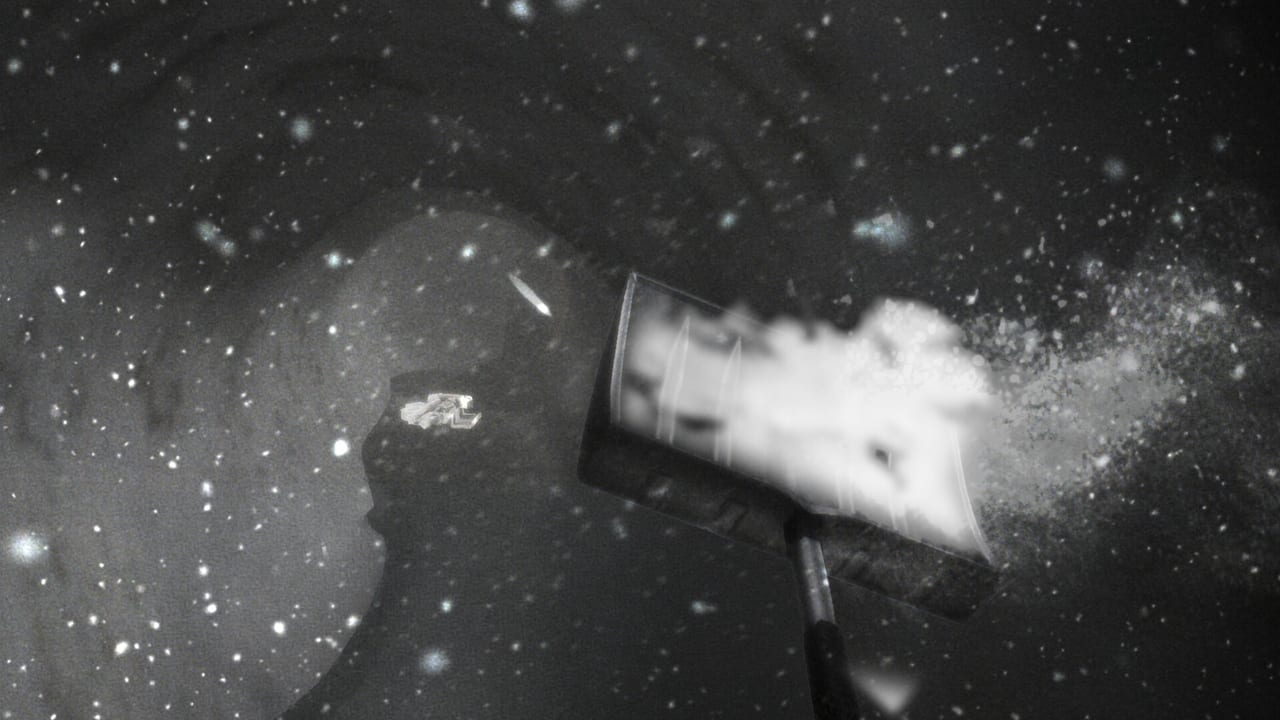
Snowed Under is a first-person Unreal Engine title on Windows. You walk, look, swing a shovel, pick up scrap, and use prompts on doors, notes, bags, and Kai. Chilla’s Art has not published a separate console SKU, so this page is for the Steam PC build. If a prompt fails after a Day 3 photo event, that is usually a bug, not a missing hotkey. See known bugs.
Read this beside Getting Started. Once the buttons feel natural, How to Dig teaches when to swing versus when to walk back to the fire.
Movement and camera
Standard first-person looking is how you stay oriented in a blizzard. The snow overlay is aggressive. Several reviews said the flakes made them nauseous or lost. Practical habits:
- Slow the mouse when you are inside a narrow tunnel so you do not clip the wall and lose the path.
- Jump at berms to peek the tower, the bus, or a rooftop. Players who skipped jumping dug in circles.
- From a second-story window, use binoculars if the game offers them and compare the view to the in-game map. Details sit on landmarks.
- If night lighting plus snow is too bright, drop effects in the performance notes before you quit. The studio advertised a lighter build than older Chilla’s Art titles, but the snow filter is still the main complaint.
Walking back to Kai fifty times is part of the design. Empty-handed trips mean you need carry upgrades from the scrap and upgrades page. Do not bind your brain to sprinting a straight line at the tower on hour one.
Digging and gathering
The shovel is the combat-equivalent verb. Hold or tap according to the in-game prompt (the Steam page shows repeated digging, not a one-shot clear). Early swings remove small bites. Later upgrades remove chunks. That power spike is why late-game fields look open and low-detail in negative reviews.
Pickups are contextual. Scrap, cans, keys, charms, and wood for the fire all use world prompts. Lucky Upgrade comes from a coin gacha, not from a special mouse button. If you cannot interact after a cutscene, reload the last shelter save rather than remapping keys.
Glow sticks show up in player notes as weak in heavy snow. Treat them as a short interior aid, not a GPS. The food and supplies page covers cans, wood, and light.
Shelter prompts
Base actions matter more than people expect:
- Dump scrap and food into storage so upgrades and meals register.
- Talk to Kai to advance the day-by-day script. Skipping talks can stall story flags that endings care about.
- Save on purpose. Do not assume a backpack touch autosaves.
- Photo and bag events on later days have bug reports where tools disappear. If a prompt appears and your shovel is gone, stop and read the bug page before you overwrite a good save.
Combat is not a shooter
Wolves appear in buildings. They are slow, sometimes silent, and sometimes stuck in place according to launch reports. Dying usually respawns you close by with little loss. There is no cover shooter loop. Back out, close a door if you can, and return after you have light and a path. Freezing outside is the death the game actually tracks: Lost to the Cold. That is a standing-in-the-storm problem, not a QTE. Details are in How to Survive.
Accessibility and comfort
If flakes hurt your eyes, lower effects, take breaks, and use indoor landmarks as waypoints. Traditional Chinese and Korean reviews mentioned eye strain at night. The system requirements page lists the Steam minimums (Windows 10 64-bit, 4 GB RAM, RX 550-class GPU, 3 GB disk). This is not a heavy Unreal showcase, but a white overlay can still feel worse than the GPU graph.
When you are ready to leave the tutorial mindset, open the walkthrough for day structure or the Guides Hub to pick a specialist page.
Frequently Asked Questions
Quick answers to the most common questions.
What platform are the controls for?
The current release is Steam for Windows. There is no official console version listed on the store page.
Why can I not use my shovel after a cutscene?
That is a reported Day 3 bug after a photo prompt, not a control change. Reload an earlier shelter save and see known bugs.
How do I stop getting lost?
Jump to peek landmarks, use binoculars from an upper floor, and tunnel toward named buildings instead of random headings.
Is there controller support?
Check Steam Input on your own machine. This wiki documents the first-person PC loop; Chilla's Art did not publish a separate control bible.